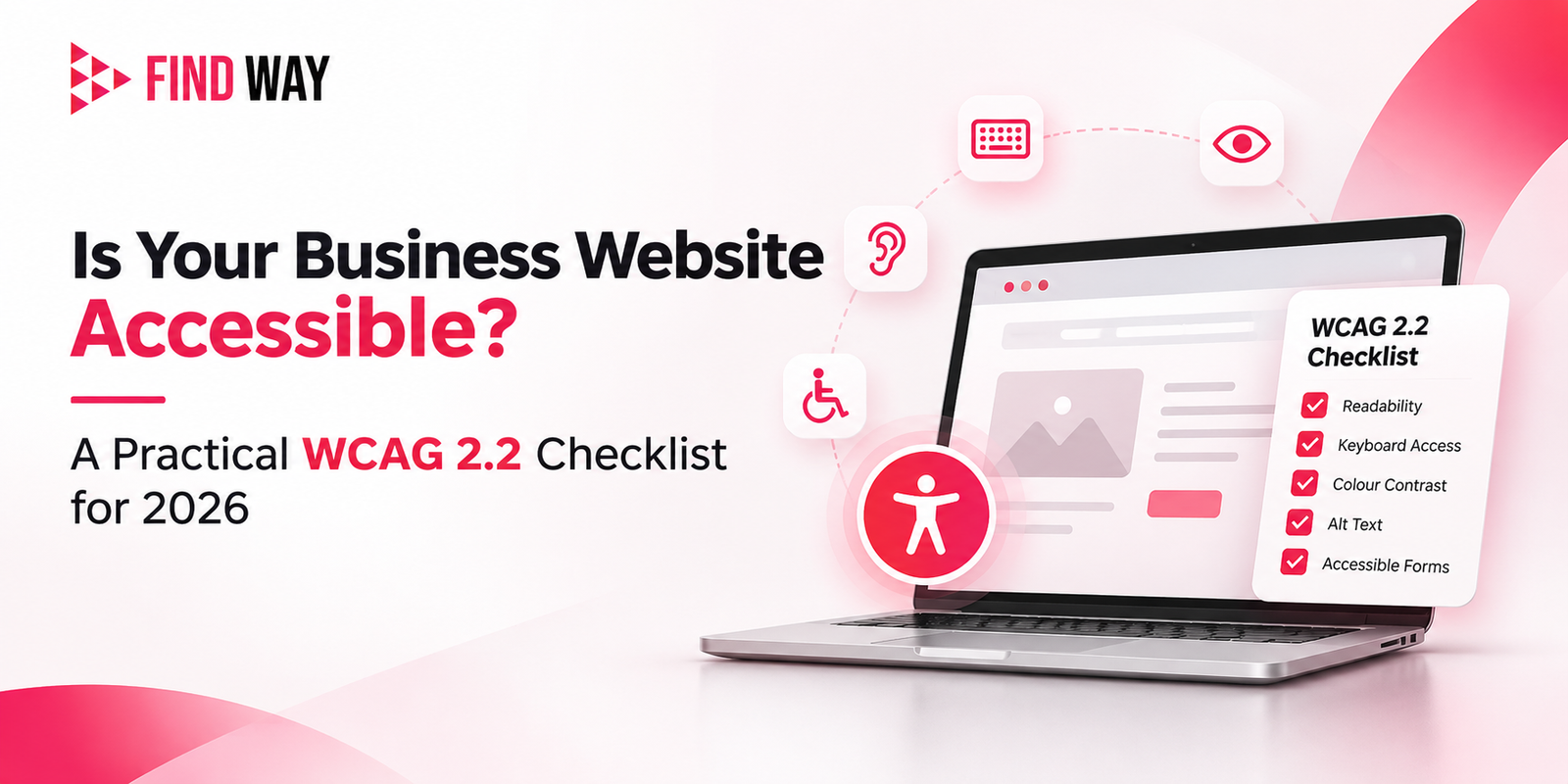
Is Your Business Website Accessible? A Practical WCAG 2.2 Checklist for 2026
A potential customer lands on your website, but the text is hard to read, the menu won’t respond to keyboard navigation, or the contact form has no clear labels. They leave without getting in touch. Situations like this happen more often than many business owners realise.
Website accessibility means designing and building sites so people with visual, hearing, motor, or cognitive disabilities can use them effectively. The same practices also make sites clearer and easier for everyone else, including older visitors and people on mobile devices.
What Is Website Accessibility?
Accessibility ensures information and interactive elements can be perceived, operated, and understood by a wide range of users. Screen-reader users need alternative text for images. Keyboard-only users need logical focus order and visible indicators. People with low vision benefit from sufficient colour contrast. Those with motor challenges need adequately sized interactive targets. Cognitive considerations include clear labels, consistent navigation, and reduced memory demands during login or forms.
Accessible design improves overall usability. Clear structure, readable text, and predictable interactions help every visitor find what they need faster.
Why Does Website Accessibility Matter for Businesses?
An accessible website reaches more potential customers and reduces friction in key journeys such as enquiries, purchases, or bookings. Visitors can navigate menus, complete forms, and access content without unnecessary barriers. This creates more inclusive interactions and supports a professional, user-focused digital presence. Accessibility is best treated as a core part of good website design and development rather than an optional extra.
Understanding WCAG 2.2
The Web Content Accessibility Guidelines (WCAG) are established by the World Wide Web Consortium (W3C) to promote accessible and inclusive web experiences. WCAG 2.2 is the current version. It organises requirements around four principles known as POUR: Perceivable (content can be sensed), Operable (interfaces can be used), Understandable (content and operation are clear), and Robust (content works with current and future technologies, including assistive tools).
Success criteria sit at three levels: A (minimum), AA (the common practical target that includes all Level A plus AA criteria), and AAA (highest). Most organisations aiming for solid accessibility target Level AA.
Practical WCAG 2.2 Website Accessibility Checklist
Use this checklist as a starting point for reviewing a business website. It draws on relevant Level A and AA criteria, including several added or strengthened in WCAG 2.2.
- Image alternative text — Meaningful images need descriptive alt text that conveys their purpose. Decorative images can use empty alt attributes.
- Video captions and media alternatives — Pre-recorded video should include captions. Provide transcripts or audio descriptions where needed.
- Text and background colour contrast — Ensure regular text achieves a minimum contrast ratio of 4.5:1 against its background, while large text can use a 3:1 ratio. Check buttons and icons too.
- Keyboard-only navigation — Every interactive element and function must be reachable and usable with the Tab, Enter, Space, and arrow keys.
- Keyboard Focus Visibility — Interactive elements should display a clearly visible indicator to help users identify which element is currently selected or accessed using the keyboard.
- Proper heading hierarchy and semantic structure — Use logical heading levels (H1, then H2, etc.) and semantic HTML so assistive technologies can convey structure.
- Descriptive links and buttons — Link and button text should make sense out of context (avoid vague “Click here” or “Read more” alone).
- Accessible form labels, instructions, and error messages — Provide a clear, visible label for every form field. When errors occur, the messages should clearly state what went wrong and offer practical guidance on how to correct it.
- Responsive layouts and text resizing — Content should reflow and remain usable when text is resized up to 200% or when the viewport changes.
- Focus not obscured — Sticky headers, cookie banners, or chat widgets must not completely hide the element that has keyboard focus.
- Minimum target size — Interactive elements should be at least 24 by 24 CSS pixels, or have sufficient spacing so they are easy to activate.
- Alternatives to dragging movements — Any drag-and-drop action needs a single-pointer alternative (for example, buttons to reorder items).
- Accessible login and authentication — Avoid relying solely on cognitive tests such as remembering complex passwords or solving puzzles without providing alternatives (for example, email links or password managers support).
How Can You Test Your Website Accessibility?
Start with practical checks anyone can perform: navigate the site using only the keyboard, inspect image alt text, test form completion and error handling, zoom the browser to 200%, and review colour contrast with free tools. Automated accessibility scanners can flag many issues quickly, but they cannot catch everything. Manual review and testing with assistive technologies remain essential for a reliable picture. W3C provides guidance on evaluation approaches and easy first checks.
Make Website Accessibility Part of Your Digital Strategy
Accessibility works best when considered from the planning and design stages through development and ongoing maintenance. Building it in from the start is more effective and less costly than retrofitting later. Teams experienced in custom website design and development, including those at Findway Digital, can help create sites that meet both business goals and accessibility expectations.
Reviewing your website against the checklist above is a practical first step. Identifying and addressing barriers improves the experience for more visitors and strengthens your digital foundation. For professional website development and digital solutions that prioritise usability and accessibility, visit https://www.findwaydigital.com/.